3D world
The 3D flight guide
Most of what makes a 3D capture fail is in the flight, not in the software. Six rules cover it, and they come from the flights that worked.
The short version
The recommended flight is a Point of Interest orbit, flown twice: once low and close with the camera well down, once higher and wider with the camera a little flatter. Set the point of interest on the subject centre and let the aircraft hold it.
The six rules
- 1
One subject per capture, filling the frame
A building, a roof, a site, about 100 to 150 metres across. A larger area is several captures.
- 2
Record from altitude to altitude
Start recording after the climb and stop before descending. Two to four minutes.
- 3
Two complete orbits, camera locked on the subject centre
The first about 30 to 40 metres above the subject with the gimbal 45 degrees down, the second about 55 to 65 metres with the gimbal 35 degrees down. An optional third pass straight over the top at 60 to 70 degrees down for roofs.
- 4
Never shallower than 30 degrees down
If the horizon is in frame, the shot is wrong.
- 5
Forty to sixty metres from the subject, at 3 to 5 metres a second
- 6
Soft light, nothing moving through, still trees
No water or glass filling the frame.
Three frames that spoil a capture
Each of these is one of the rules above being broken, and each is visible in a single frame, so they are worth checking before the upload rather than after it.
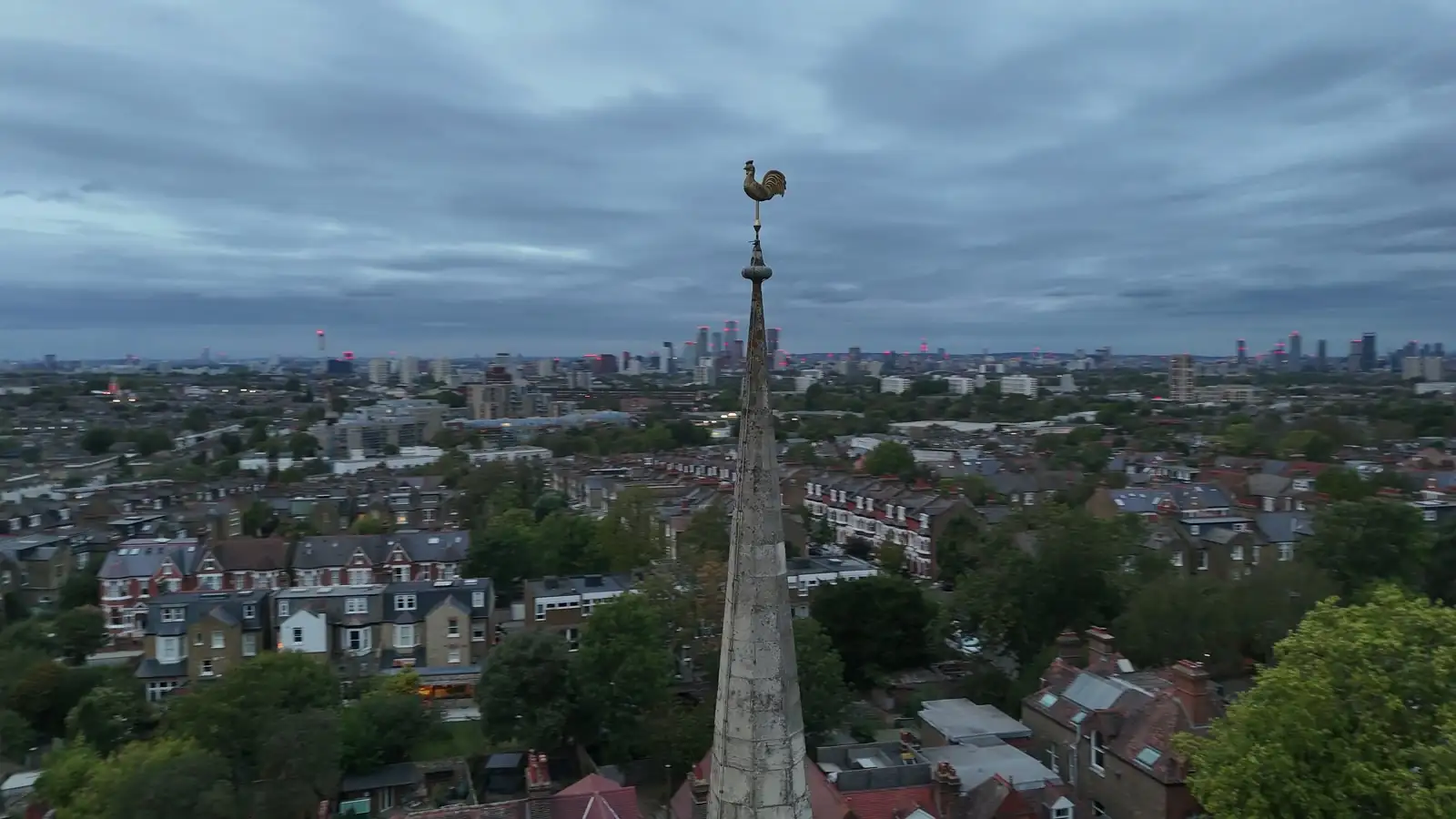
Horizon in shot (rule 4)
The camera is level, or close to it. Sky occupies frames that should be carrying the subject, and the solve has little to match between them.
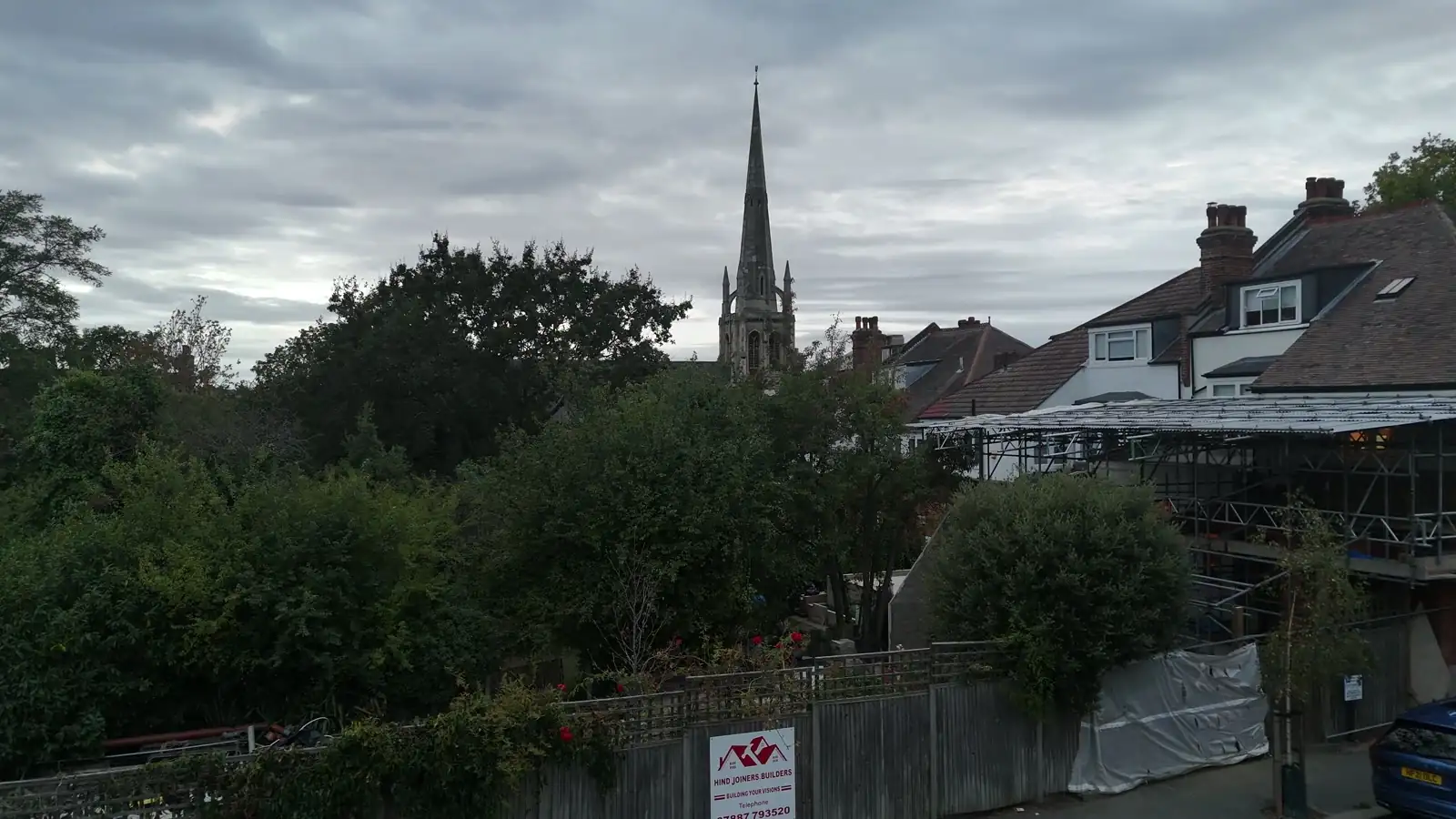
Takeoff in shot (rule 2)
Recording started on the ground. The climb is a ramp through every height at once rather than a pass at one height, so those frames sit outside the pattern the rest of the flight builds.
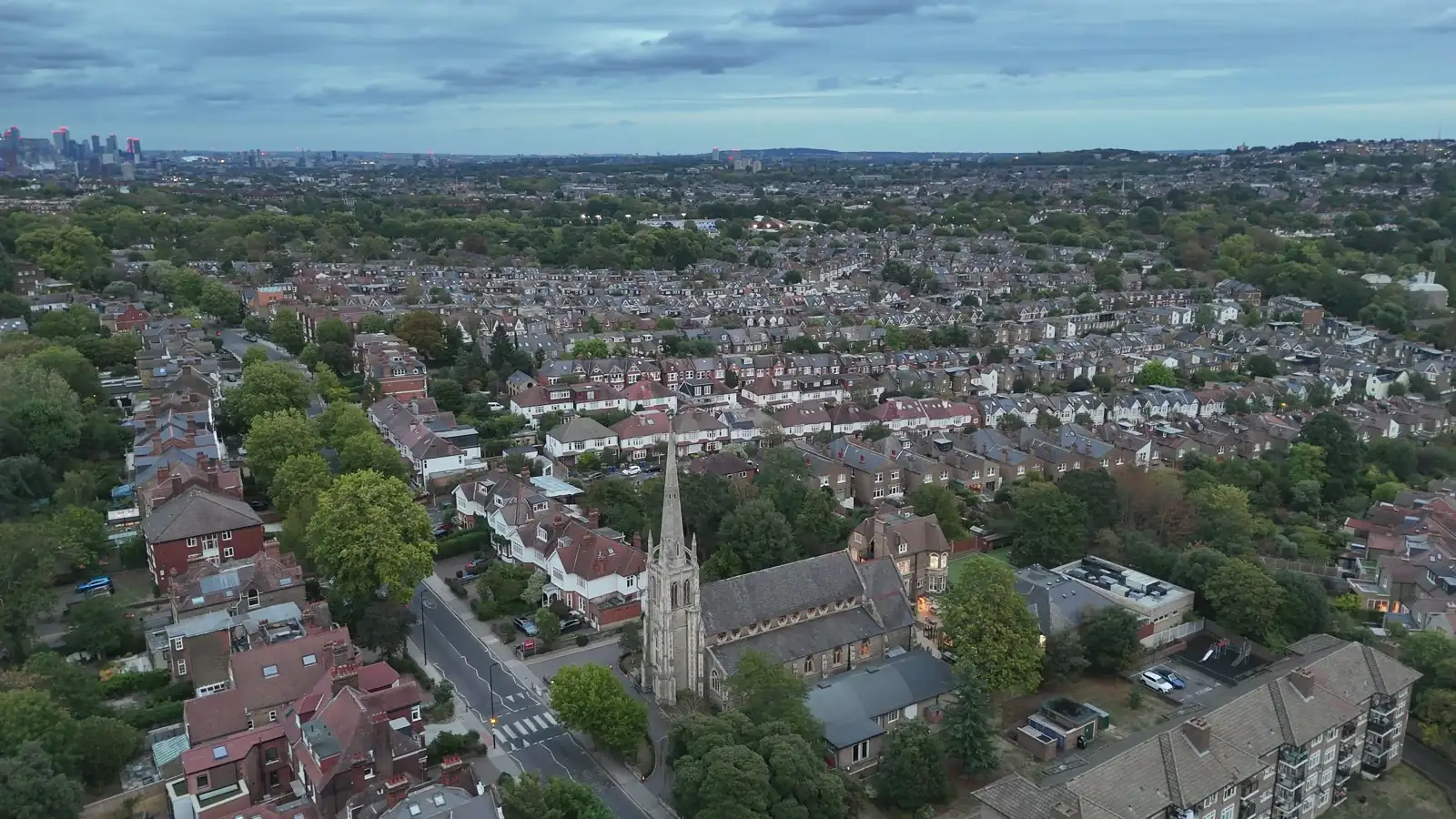
This frame has two faults at once, the subject too small and the horizon in shot. They travel together: a camera far enough back to shrink the subject is usually shallow enough to catch the skyline.
Subject too small (rule 1)
Too far out, or too much ground in view. The splat budget is spread across everything in frame, so the subject gets a fraction of it and goes soft the moment anyone zooms in.
Camera settings
4K at 30 frames a second is enough, and 4K60 needs no changing. Processing keeps two frames from every second of the clip and scales each one to 1600 pixels wide before anything reads it, so a higher frame rate adds file size and nothing the scene can use.
Resolution above 1600 pixels wide is not kept either. What 4K still buys is a cleaner frame after that downscale, because more recorded pixels are averaged into each one, which softens the compression in the file. So the setting that matters is quality rather than size: pick the highest bitrate your drone offers.
Past about three minutes twenty, processing drops to one frame a second, so a longer flight adds file size without adding frames.
Two things about the files
Upload the .srt sidecar alongside the video. It is required. The sidecar is the flight record your drone writes next to the clip, and it is where Terasor reads the date the flight was made. It is never shown and never published.
Most drones write one automatically. If yours does not, turn it on before you fly: a sidecar cannot be made after the event, and a capture cannot be uploaded without one.
A clip under ten seconds cannot produce a scene. The chain needs ten registered frames before it has anything to build from, so a very short clip fails rather than producing a thin result.
Where to go next
See published captures for what a finished scene looks like. Uploading is in your dashboard, under 3D World.
For the longer version, how the conversion works and what a 3D scene is good for, read How to turn a drone flight into a 3D scene.